Getting Started
Getting Started
Set up your first form with StaticForm in under 5 minutes.
On this page
Overview
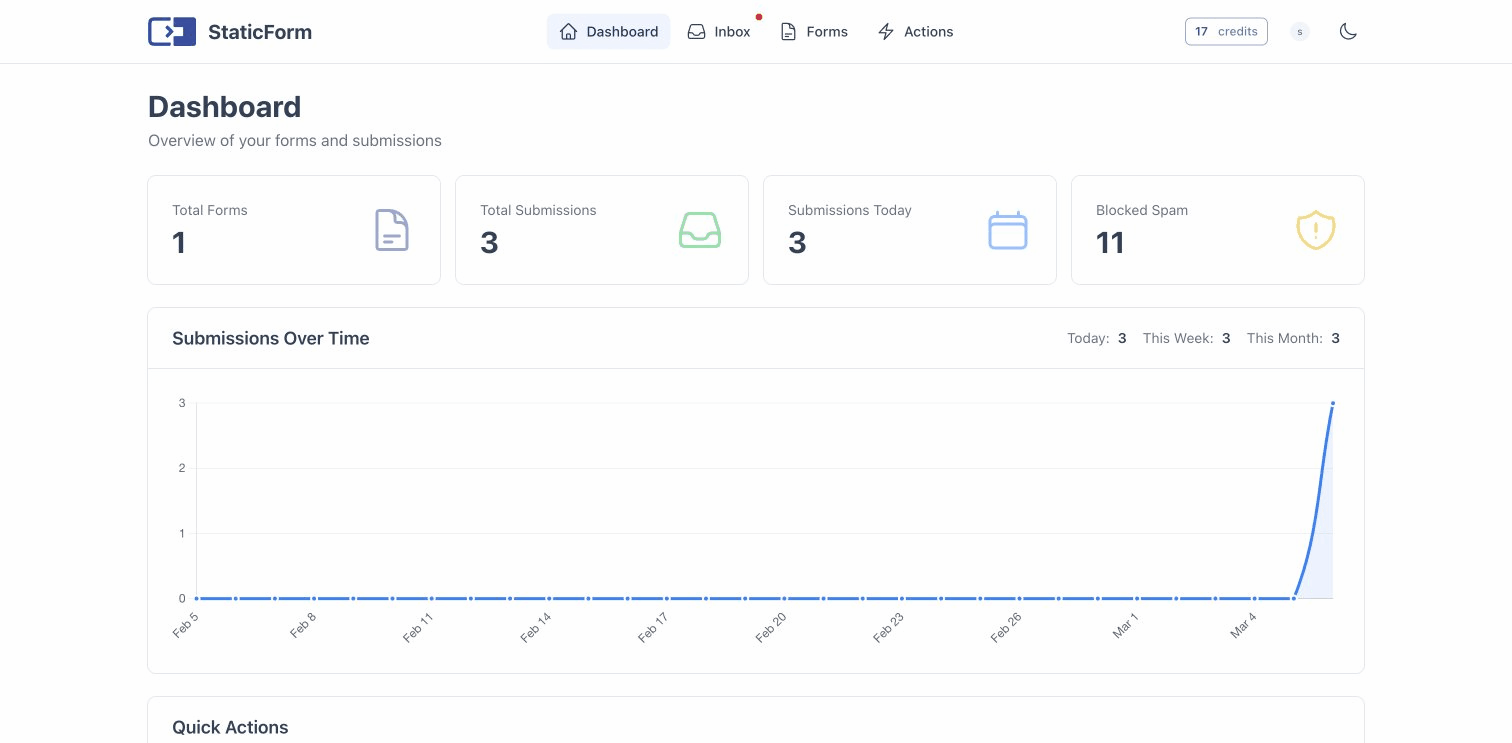
StaticForm is a form backend for static websites. You create a form in the dashboard, point your HTML form at the StaticForm API, and submissions are handled for you. That includes validation, spam protection, email notifications, and webhooks.
Quick Start
1. Create an Account
Sign up at app.staticform.app. You can create an account with an email and password, or sign in with Google for one-click access.
2. Create a Form
In the dashboard, click Create Form and configure:
- Name: a label for your form (e.g. “Contact Form”)
- Fields: the fields your form will accept, with types and validation rules
- Submit Actions: what happens when someone submits (email, webhook, etc.)
3. Add the Form to Your Website
Point your HTML form at the StaticForm submission endpoint:
<form
  id="contact-form"
  method="POST"
  action="https://api.staticform.app/api/v1/forms/YOUR_FORM_ID"
>
  <input type="text" name="name" required />
  <input type="email" name="email" required />
  <textarea name="message" required></textarea>
  <button type="submit">Send</button>
</form>
Replace YOUR_FORM_ID with the ID from your dashboard.
4. (Optional) Use the JavaScript Helper
For a better user experience with client-side error handling, include the StaticForm script:
<script src="https://staticform.app/scripts/staticform.js" defer></script>
<script>
  document.addEventListener('DOMContentLoaded', () => {
    const form = document.getElementById('contact-form');
    StaticForm.attach(form, {
      endpoint: 'https://api.staticform.app/api/v1/forms/YOUR_FORM_ID',
    });
  });
</script>
The helper prevents the default form submission, sends the data via fetch, and maps validation errors back to individual fields.
What’s Next
- Form Configuration: field types, validation rules, and response modes
- Spam Protection: CAPTCHA, honeypot, and language detection
- Submit Actions: email notifications and webhooks
- JavaScript Helper: client-side integration guide