Dashboard
Collaboration
Share forms with team members and manage permissions.
Inviting Collaborators
Share a form with other StaticForm users by sending an invitation. Collaborators can be granted different permission levels.
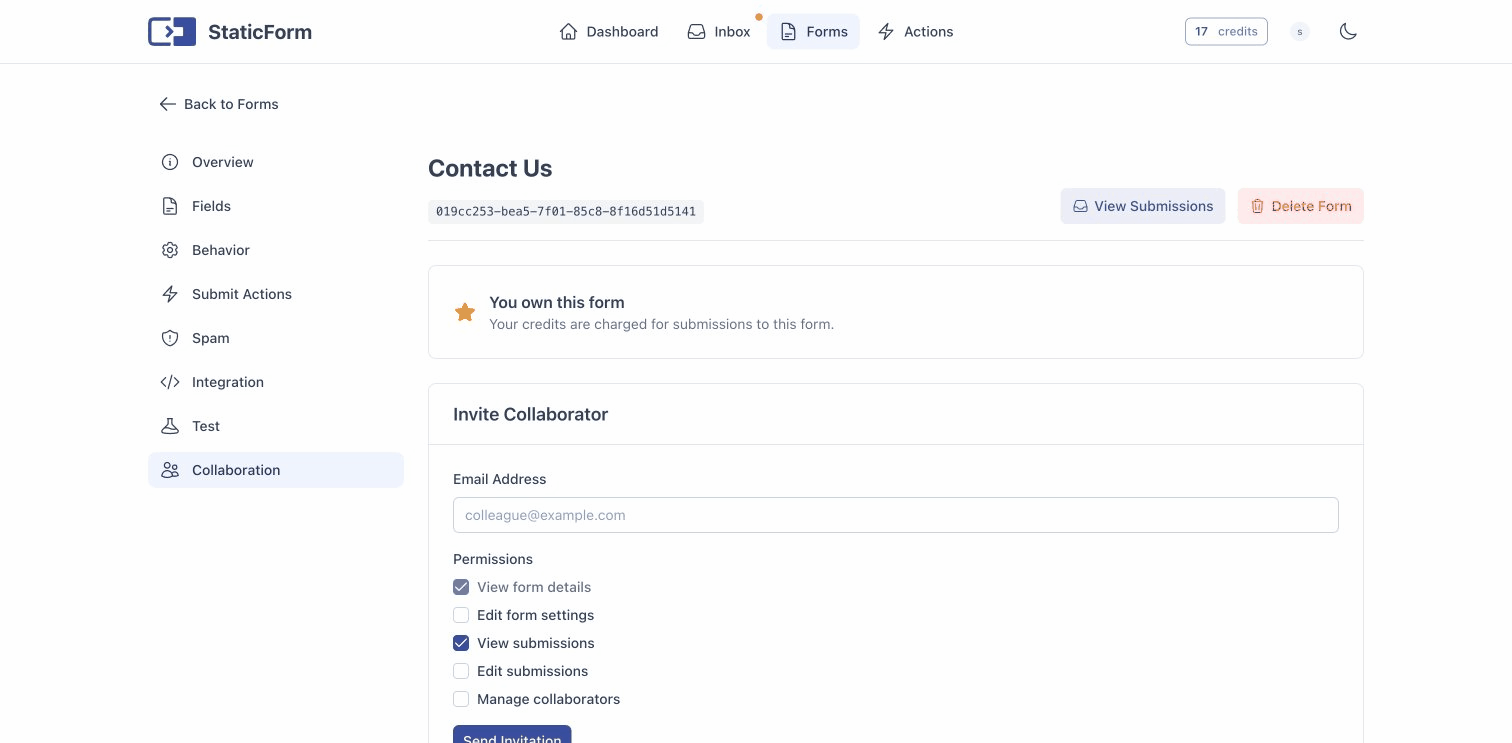
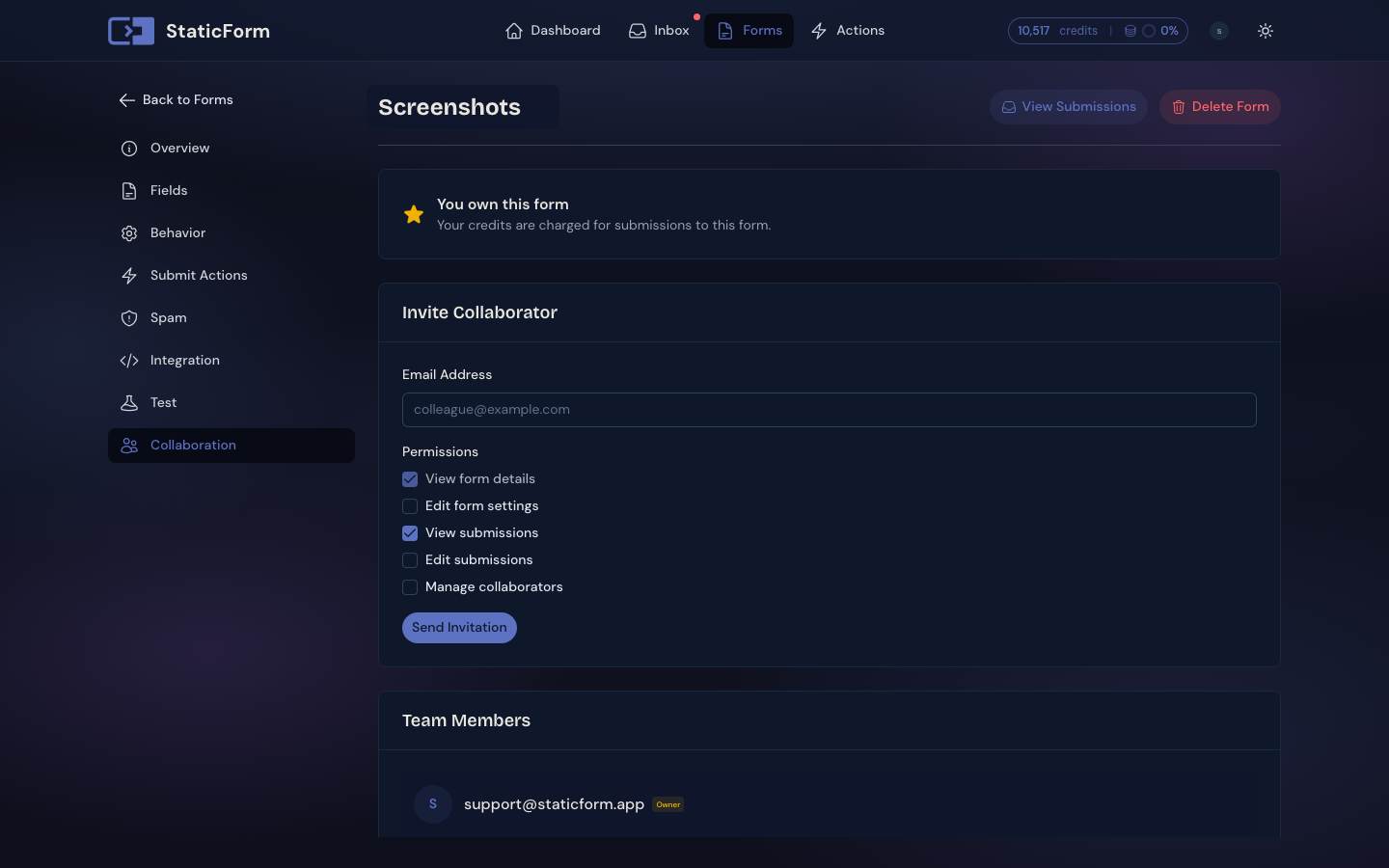
Permissions
| Permission | Description |
|---|---|
| View Form | See form configuration and settings |
| Edit Form | Modify form fields, actions, and settings |
| View Submissions | Read form submissions |
| Edit Submissions | Manage submissions (mark as read, spam, delete) |
| Manage Collaborators | Invite and remove other collaborators |
Managing Collaborators
- Update permissions: change what a collaborator can do
- Remove collaborators: revoke access to the form
- Cancel invitations: cancel pending invitations that haven’t been accepted
- Transfer ownership: transfer form ownership to another collaborator
- Leave form: remove yourself from a shared form
How It Works
- The form owner invites a user by email
- The invited user receives a notification and can accept or decline
- Once accepted, the collaborator sees the form in their dashboard with the granted permissions
- The form owner (and collaborators with manage permission) can adjust permissions at any time