Forms
Form Configuration
Field types, validation rules, response modes, and all form settings.
On this page
Fields
Each form has a list of fields that define what data the form accepts. Fields are validated on submission.
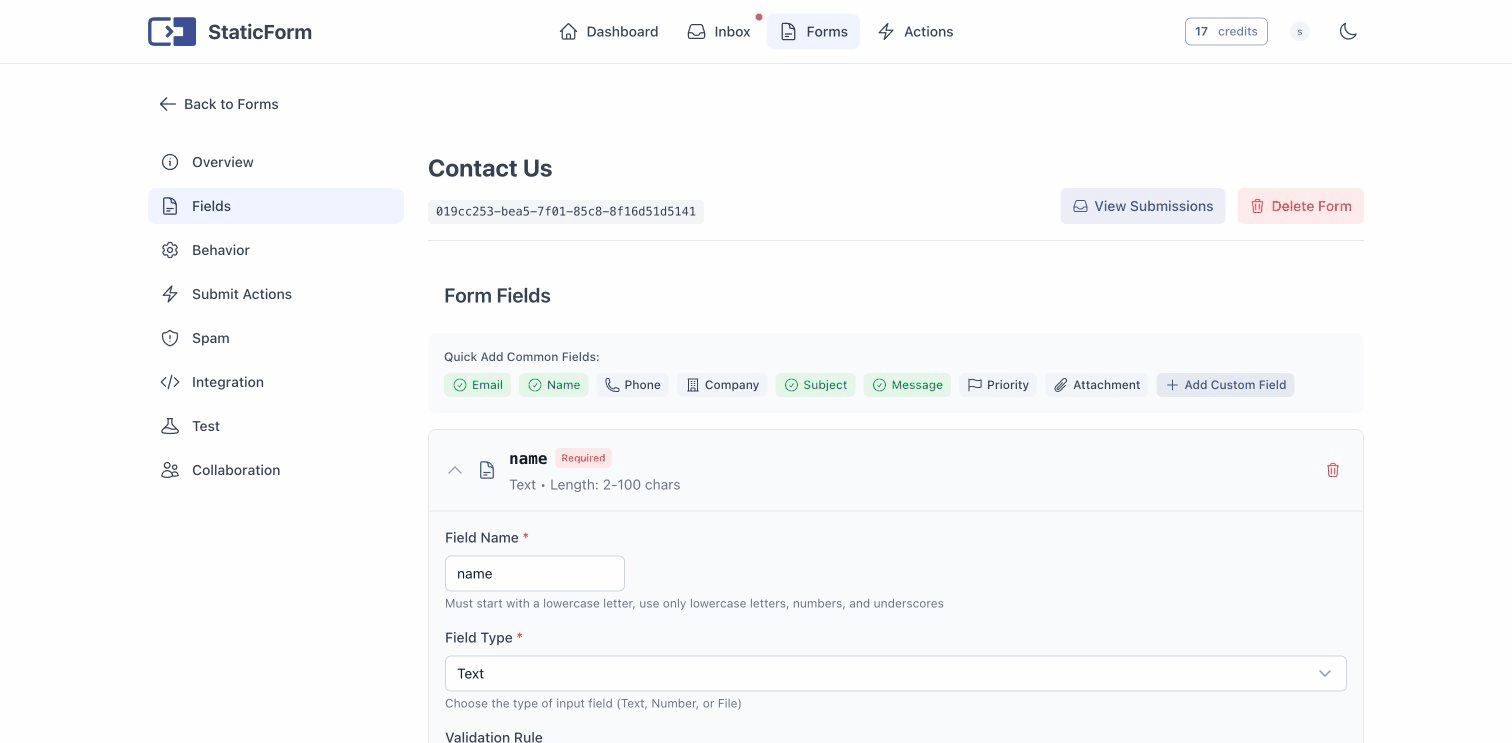
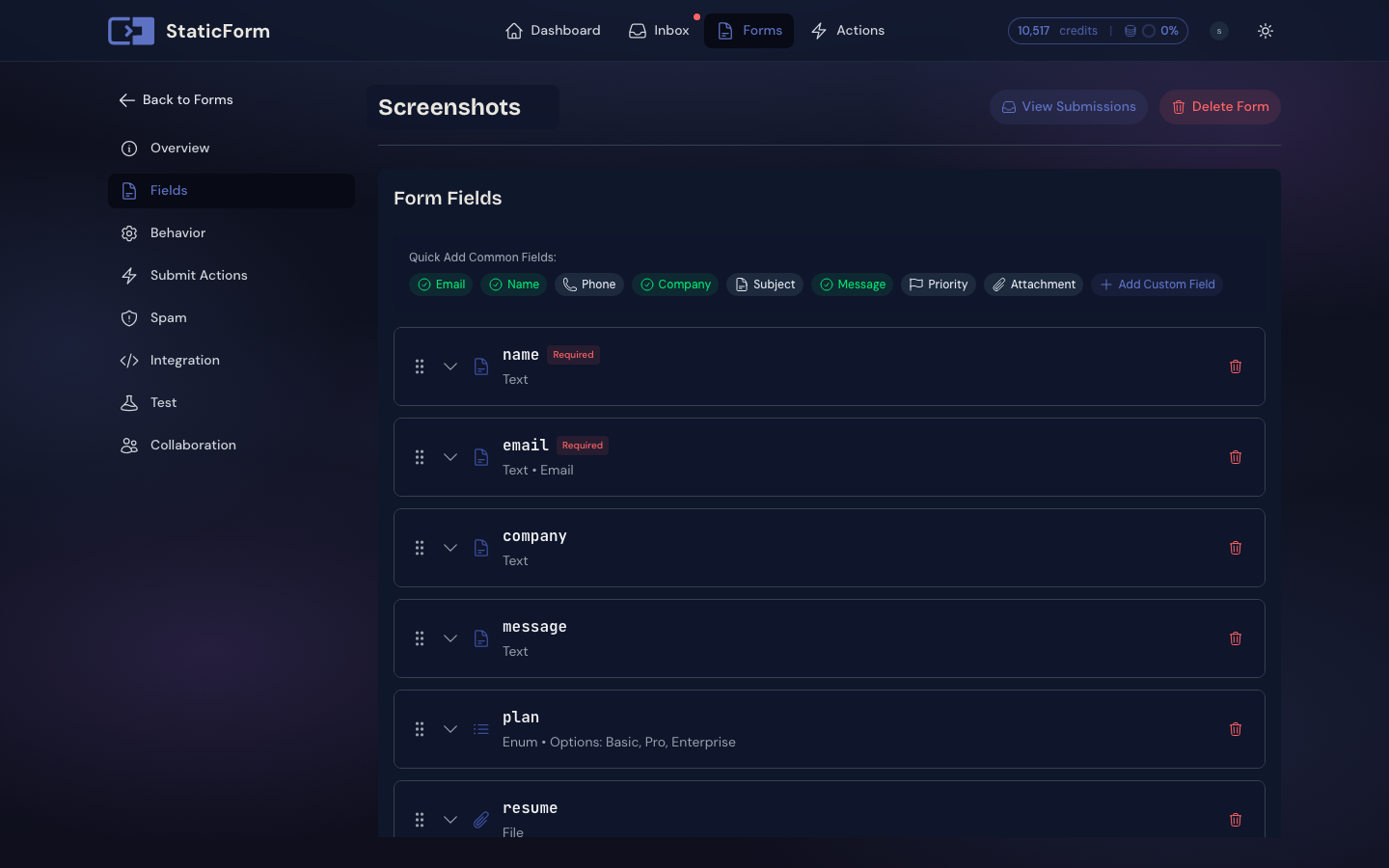
Field Types
| Type | Description |
|---|---|
Text |
Strings like names, emails, and messages |
Number |
Numeric values |
Boolean |
Accepts only true or false |
Enum |
Predefined set of allowed values |
Date |
ISO 8601 date in the format YYYY-MM-DD (e.g. 2026-04-10) |
Datetime |
ISO 8601 date and time with a timezone offset, e.g. 2026-04-10T14:30:00Z or 2026-04-10T14:30:00+02:00 |
File |
File uploads (configurable max number of files per field) |
Validation Rules
Each field can have a validation rule applied:
| Rule | Applies to | Description |
|---|---|---|
Email |
Text | Must be a valid email address |
Website |
Text | Must be a valid URL |
Number |
Text/Number | Must be a valid number |
PositiveNumber |
Number | Must be a positive number |
NumberRange |
Number | Must fall within a min/max range |
Before |
Date/Datetime | Must be before a given date |
After |
Date/Datetime | Must be after a given date |
Between |
Date/Datetime | Must fall between two dates |
FileExtension |
File | Uploaded file must match an allowed extension |
FileSize |
File | Limit the maximum size per file (up to 25 MB) |
File validation rules can be combined. For example, you can restrict both the allowed extensions and the maximum file size on the same field.
File Size Limit
The global maximum file size is 25 MB per file. You can set a lower limit per field using the FileSize validation rule (e.g. 5 MB for image uploads). Files exceeding the configured limit are rejected with a validation error. When uploading multiple files, each file is checked individually.
Field Name Rules
Field names must:
- Start with a lowercase letter
- Contain only lowercase letters, numbers, and underscores
- Match the pattern:
^[a-z][a-z0-9_]*$
Example valid names: name, email, phone_number, address_line_1
Response Types
Forms can respond to submissions in two ways:
JSON Response (default)
Returns a JSON object with the submitted field values:
{
  "values": {
    "name": "Jane",
    "email": "jane@example.com",
    "message": "Hello!"
  }
}
HTTP Redirect
Redirects the browser after submission. Useful for traditional HTML forms without JavaScript. You configure a success URL and an error URL independently. The success URL is used when the submission is accepted; the error URL is used when validation fails or the submission is rejected.
For each URL you choose one of two types:
| Type | Description |
|---|---|
| Internal Page | Redirects to a StaticForm-hosted page with a success or error message. No configuration needed. |
| Custom URL | Redirects to any URL you specify. Use this to send users to a page on your own site. |
Note: When using the JavaScript helper, the redirect never fires in the browser. The helper intercepts the submission, receives the redirect URL in a JSON response, and calls your
onSuccess/onErrorcallbacks so you can handle each state in JavaScript.
Submission Modes
Client-Side (default)
Submissions come from the browser. Full spam protection is active, including request header analysis and IP-based analysis.
Note: Because header and IP checks are active in this mode, testing a client-side form with
curlor a similar HTTP client will almost certainly land the submission in the spam list, with no email notification or webhook. Test the form from a real browser instead. See Spam Protection.
Server-Side
Submissions come from your backend server. A shared secret authenticates the request. IP-based spam checks are skipped since server IPs are expected.
When you create a form with server-side mode, a ServerSubmissionSecret is generated and returned. Include it as _sf_secret in your form data:
curl -X POST https://api.staticform.app/api/v1/forms/YOUR_FORM_ID \
  -d "name=Jane" \
  -d "email=jane@example.com" \
  -d "_sf_secret=YOUR_SECRET"
You can regenerate the secret at any time via the dashboard or API. The old secret is immediately invalidated.
Note: Server-side mode only supports JSON responses, not HTTP redirects.
Content Type
Form submissions must use application/x-www-form-urlencoded or multipart/form-data. JSON request bodies are not supported for the submission endpoint.
Test Requests
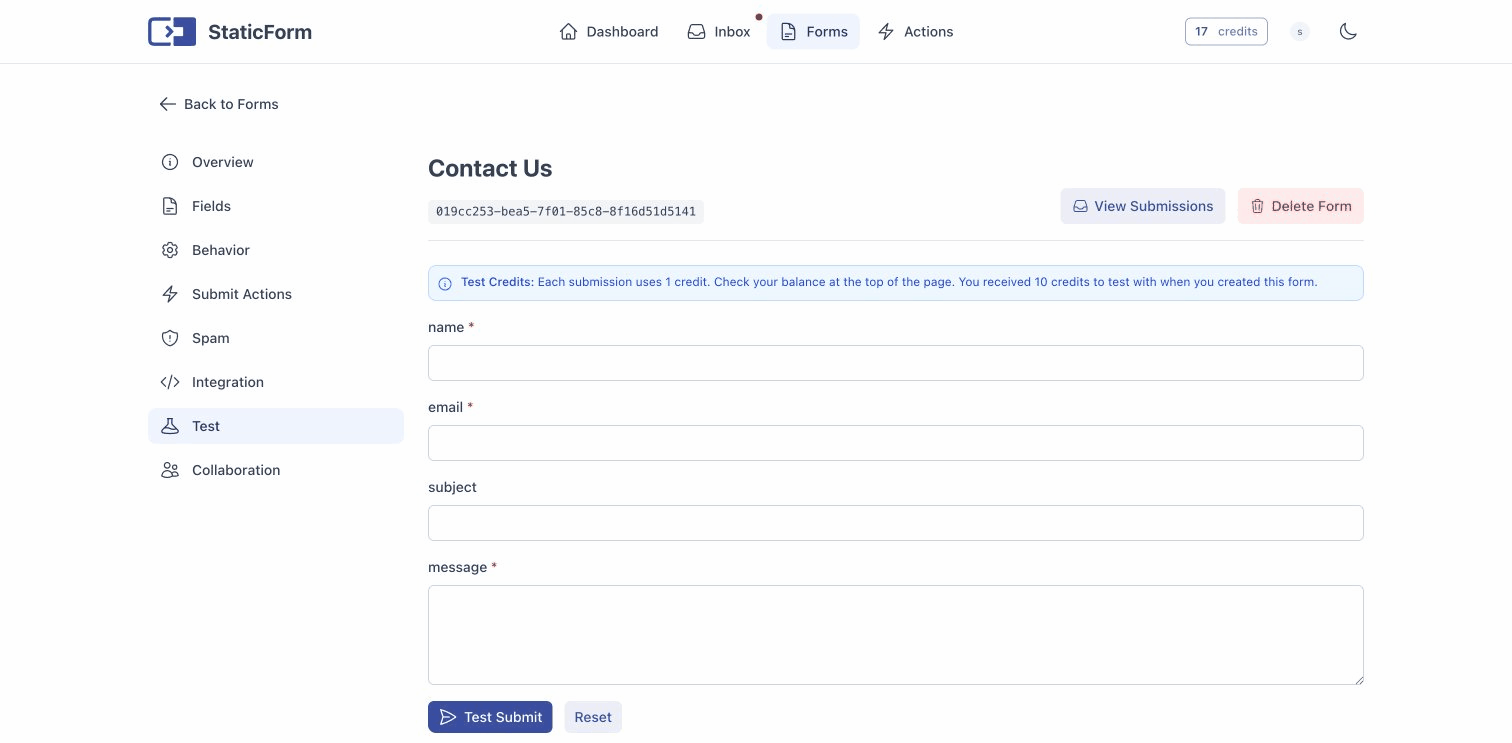
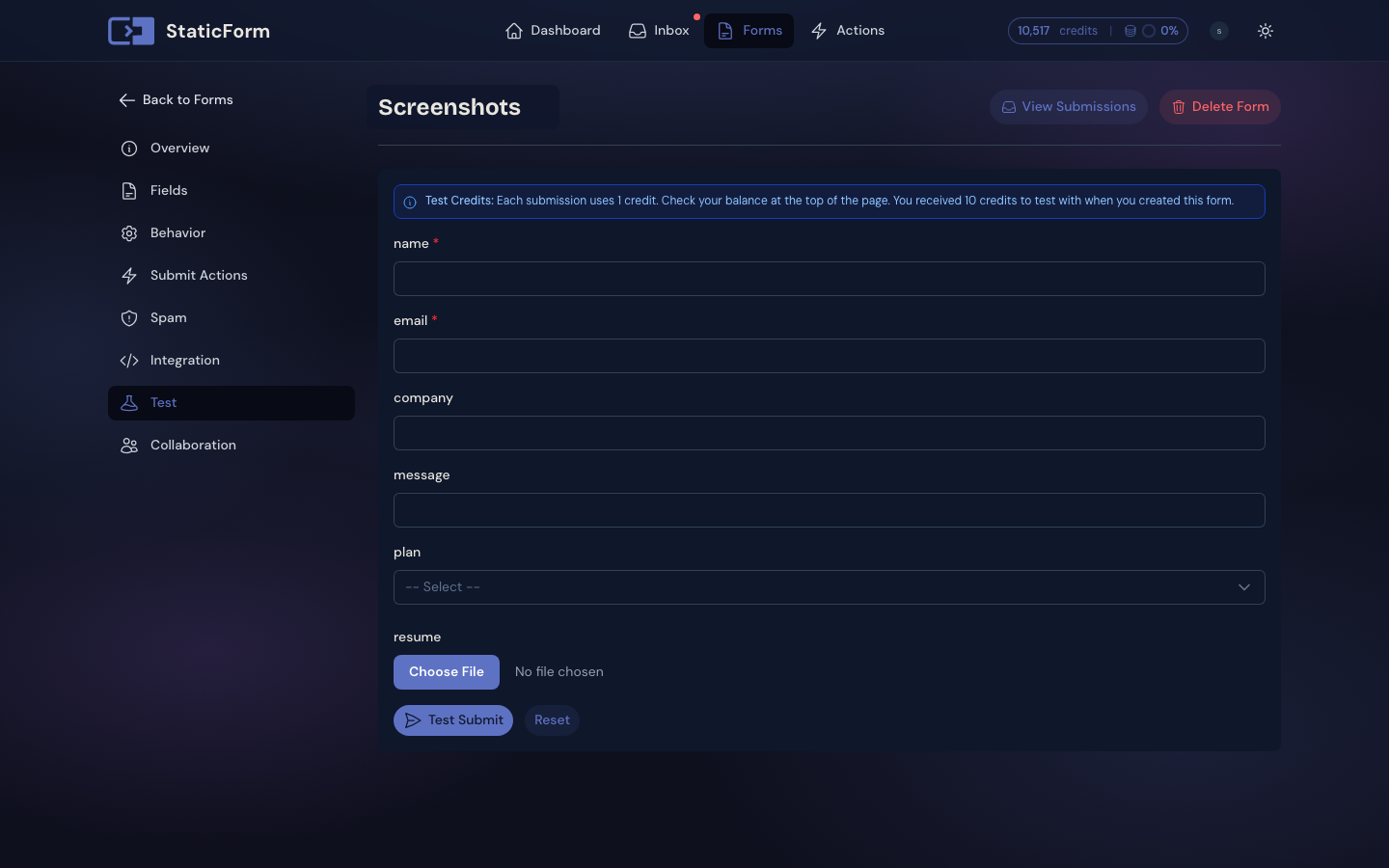
Send the header X-Requested-With: XMLHttpRequest to test redirect behavior. In redirect mode, requests with this header return a JSON response with the redirect URL instead of performing the actual redirect. This is useful during development to inspect the response without being redirected.
The JavaScript helper sends this header automatically on every submission, so AJAX-submitted forms always receive JSON regardless of the form’s response type configuration.
Important for custom
fetch()callers: If you submit via your ownfetch()call without this header, the API returns HTTP redirects.fetch()follows redirects automatically, which means validation errors are silently swallowed (you get a200from the error page instead of an error response), and payment flows redirect straight to Stripe without your code getting a chance to handle it. Always includeX-Requested-With: XMLHttpRequestin anyfetch()-based submission.
Validation Errors
When a submission fails validation, the API returns a 400 Bad Request with a Problem Details JSON body. Each failing field is reported as an entry in the errors array:
{
  "type": "https://www.rfc-editor.org/rfc/rfc7231#section-6.5.1",
  "title": "Bad Request",
  "status": 400,
  "instance": "/api/v1/forms/019be6a7-922e-7f27-9f6b-7333d93cc824",
  "traceId": "0HNKLJ4PTS4D6:00000009",
  "errors": [
    {
      "name": "email",
      "reason": "email is required",
      "code": "NotEmptyValidator",
      "severity": "Error"
    },
    {
      "name": "name",
      "reason": "name is required",
      "code": "NotEmptyValidator",
      "severity": "Error"
    }
  ]
}| Field | Description |
|---|---|
name |
The name of the field that failed validation. Use this to map the error to the matching form input. |
reason |
Human-readable error message. |
code |
Validator identifier (e.g. NotEmptyValidator, EmailValidator). |
severity |
Error severity, typically Error. |
The JavaScript Helper automatically maps these errors to the matching fields in your HTML form.