Your leads land in Slack.
Instantly.
Build a Slack message visually, paste your webhook URL, and every real form submission posts to your channel, formatted exactly how you want it.
7-day free trial. No payment method required.
Sound familiar?
Your team lives in Slack, but leads go to email.
Someone submits your contact form. It lands in an inbox nobody checks in real time. That gap costs you response time, and sometimes the deal.
Your Slack notifications look like JSON somebody pasted.
Zapier is involved. There are four steps. The formatting is wrong. The field names are internal keys. Nobody on the team knows which fields to read.
You set this up six months ago and aren't sure it's still working.
Webhook integrations break silently. The endpoint changes, the channel gets renamed, the Zap pauses. Nobody says anything until a lead falls through the cracks.
Two minutes to set up. Runs forever.
Paste your Slack webhook URL
Go to Slack → Apps → Incoming Webhooks, create one for your channel, and paste the URL into the StaticForm Slack action. No bot token, no server approval.
Build the message visually
Use the message builder to choose which fields appear, set the title, and configure the layout. A live preview shows exactly what will post to your channel.
Submissions fire the message
Every non-spam submission posts to your channel, formatted and ready to act on. The execution log records the webhook response so you know Slack accepted it.
The way Slack notifications should work.
Visual message builder
Toggle fields on or off, set the message title, choose which submitted data appears. Live preview updates as you configure.
Create it yourself, without admin
You create the webhook in channel settings. Workspace admins don't need to approve anything or even know about it.
All fields as variables
Reference any submitted field in the message using {{field_name}} syntax. Include a link back to the submission in the StaticForm dashboard.
Run conditions
Post to Slack only when a submission matches certain criteria, for example when the plan field equals "Enterprise".
Execution log per post
Every webhook attempt is logged with the HTTP response code. If Slack rejects the payload, you see the error before your client does.
Spam never posts
Spam is caught before the Slack action runs. Your channel stays clean and your team focuses on real leads.
Ready to get your leads in Slack?
Get started freeConfigure in the dashboard. Posts to Slack.
StaticForm dashboard
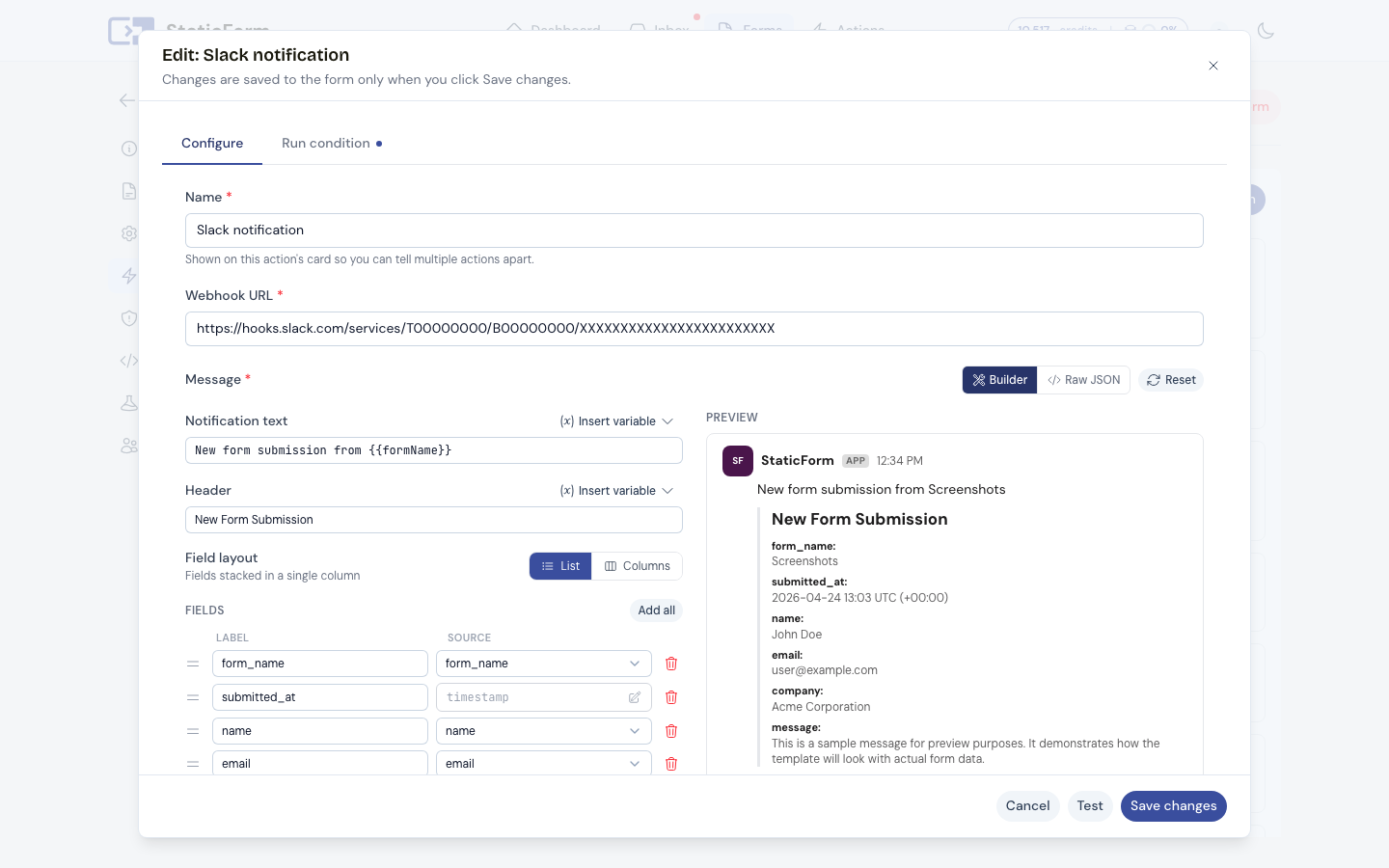
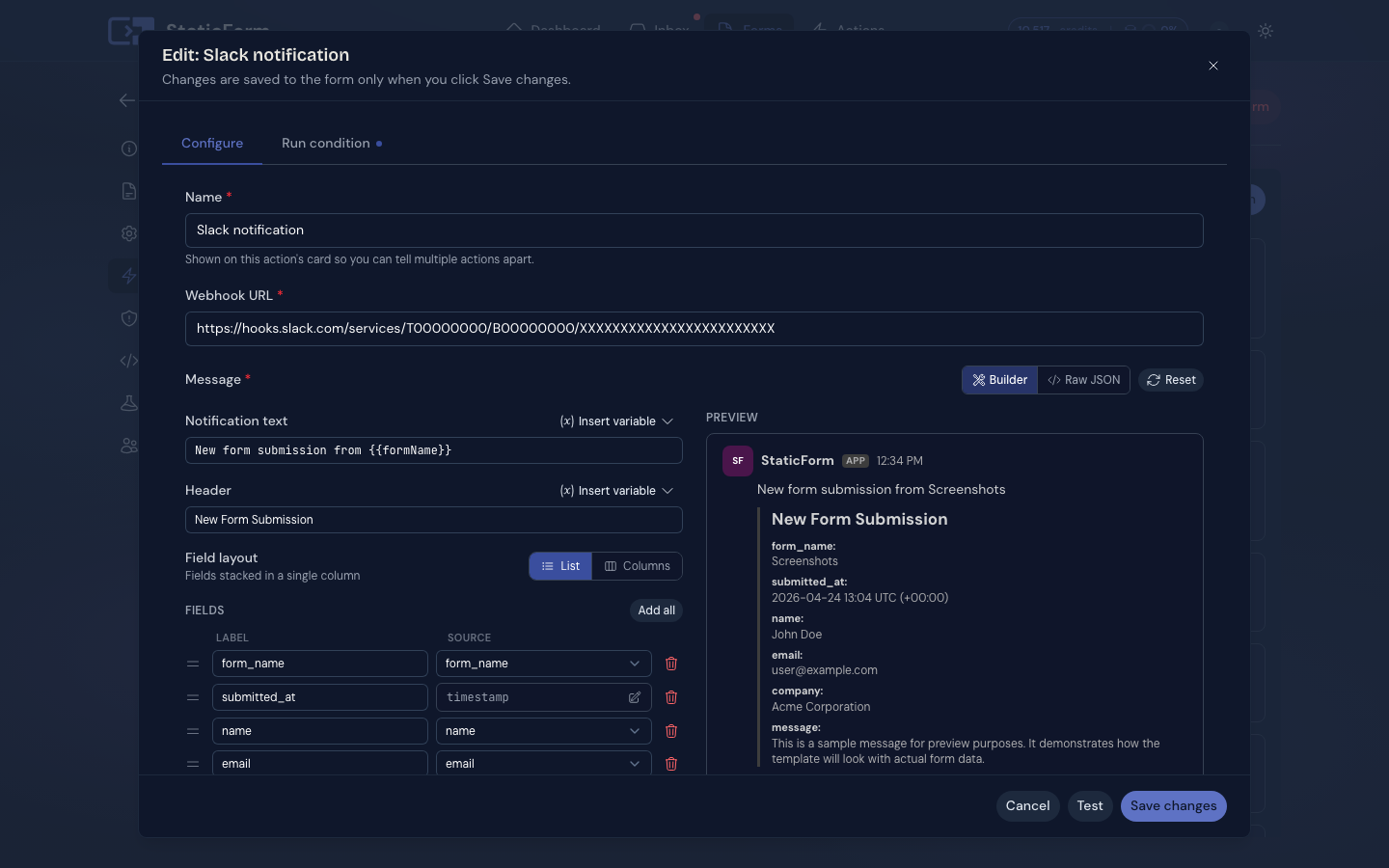
Click to zoom
What posts to your channel
Every field you configured in the builder, formatted cleanly. Execution log confirms the webhook was accepted.
Also works with


get started
Your next real lead is
waiting to arrive.
Set up a form in 5 minutes. Spam blocked automatically. Every real submission stored, delivered, and logged.
Ready to get started?
Add forms to your site in minutes