Form submitted.
Discord pinged. Done.
Route form submissions into any Discord channel. Configure exactly which fields appear in the message, preview it before it goes live, and every real submission posts cleanly formatted.
7-day free trial. No payment method required.
Sound familiar?
Responses land in email. Your team lives in Discord.
Someone submits a contact form or RSVP. It goes to an inbox. Someone has to copy it to the right channel. Half the time that doesn't happen and the message just disappears.
You got a webhook working, but the message looks wrong.
Raw webhook payloads are hard to read. Every field dumps into the message in whatever order the form sends it, with internal field names nobody on the team understands.
You have no idea if the integration is still working.
A channel gets deleted, the webhook connector is removed, and submissions just stop appearing. There's no log, no alert. You find out weeks later when someone asks where the data went.
One webhook URL. That's all it takes.
Get a webhook URL from Discord
Go to the channel you want to post to, open Edit Channel, go to Integrations, and create a new webhook. Copy the URL. That's the only thing Discord requires.
Configure the message in StaticForm
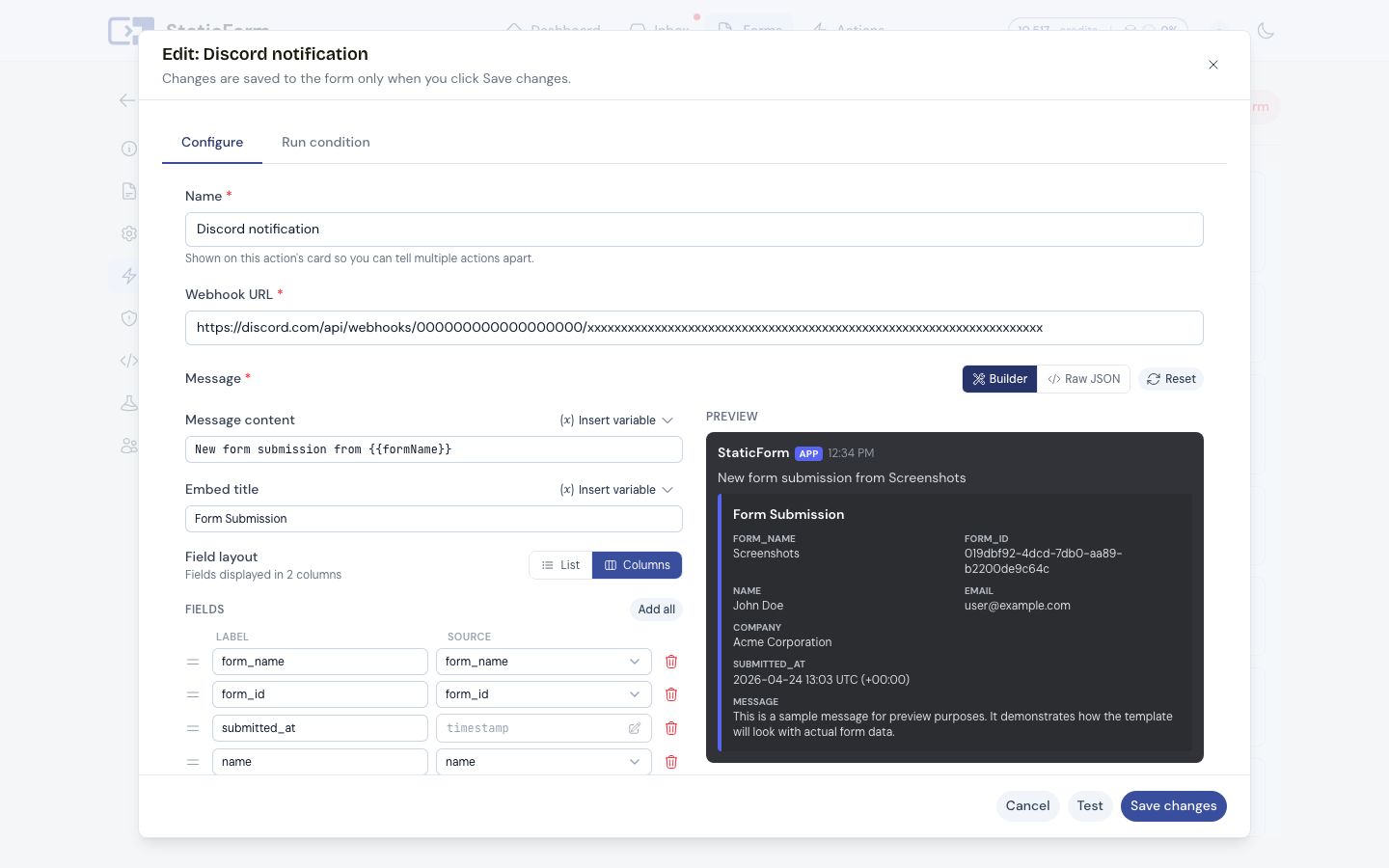
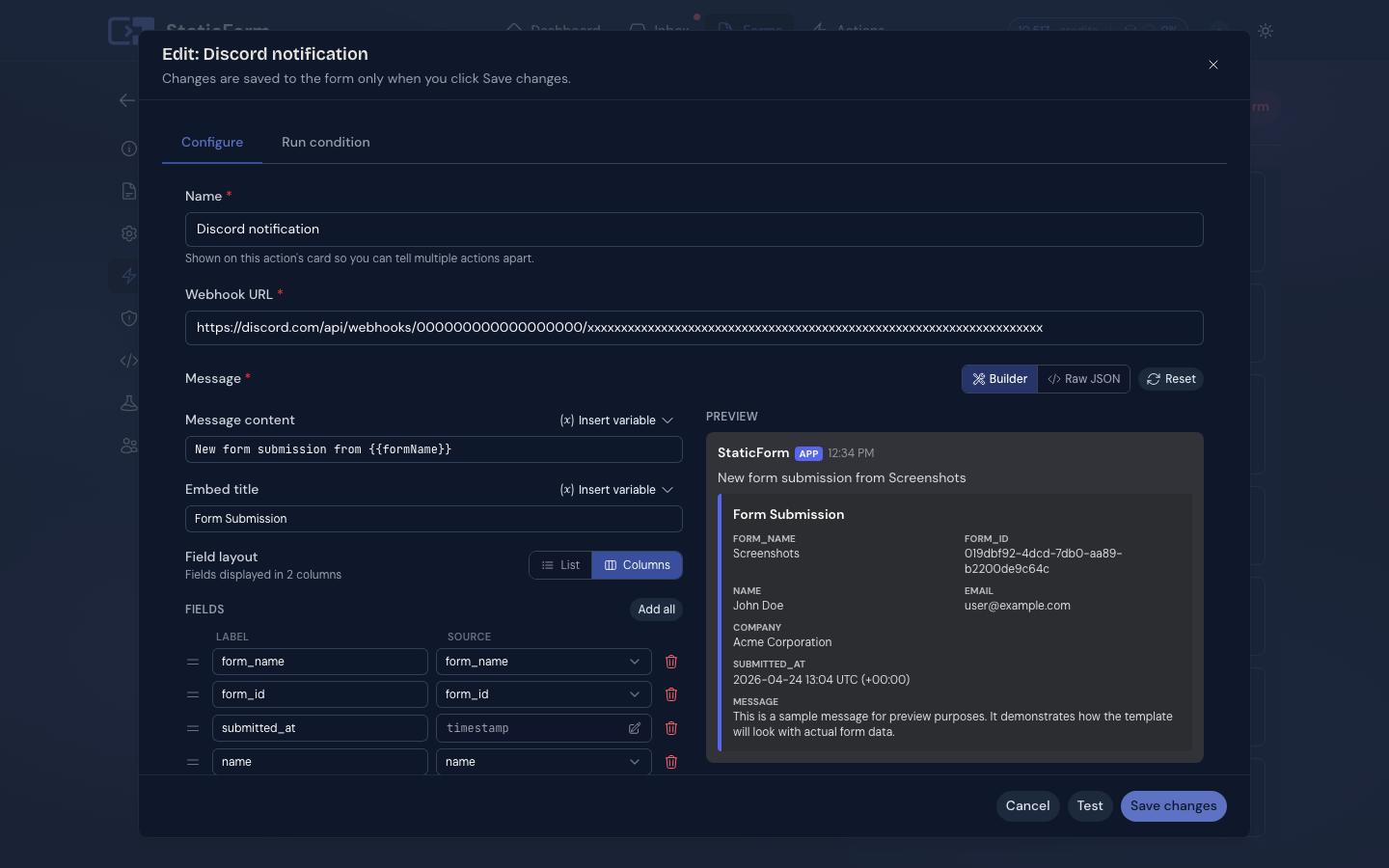
Paste the URL, pick which fields appear, set the embed title and layout. A live preview shows exactly what will post in your channel before you save anything.
Submissions post to your channel
Every real submission fires a formatted embed to your Discord channel. Spam is blocked before the webhook is ever called. The execution log records every response.
Built for communities that move fast.
Visual message builder with live preview
Choose which fields appear in the embed, set the title, arrange the layout. See exactly what will post in your channel before you save anything.
Works with channel webhooks
Discord's Incoming Webhook system only requires access to the channel settings. You create the URL yourself in a few clicks, with nothing else to configure.
Route different forms to different channels
Each form can route to a different Discord channel. One server, clean separation between your contact form, job applications, and support requests.
Execution log per post
Every webhook call is logged with the HTTP response code. If Discord rotates the webhook or the channel is deleted, you see the error immediately rather than finding out weeks later.
Ready to route submissions to Discord?
Takes about two minutes to set up. 7-day free trial, no payment method required.
Connect DiscordConfigure once. Posts to your channel.
StaticForm dashboard
Click to zoom
What posts to your channel
New submission on Contact Form
Contact Form
name
Sarah Chen
sarah@example.com
company
Acme Corp
message
Interested in your pricing plans. Would love to book a demo.
Formatted embed with your configured fields. Execution log records every webhook response.
Also works with


get started
Your next real lead is
waiting to arrive.
Set up a form in 5 minutes. Spam blocked automatically. Every real submission stored, delivered, and logged.
Ready to get started?
Add forms to your site in minutes