Run your clients' forms from one place.
Give every client a workspace, decide per person who sees what, send notifications in the client's brand and keep spam out of their inbox. When the project ends, hand the whole workspace over in one step.
7-day free trial. No payment method required.
- Unlimited forms
- Unlimited submissions
- 15+ spam checks
- Data stored in Europe
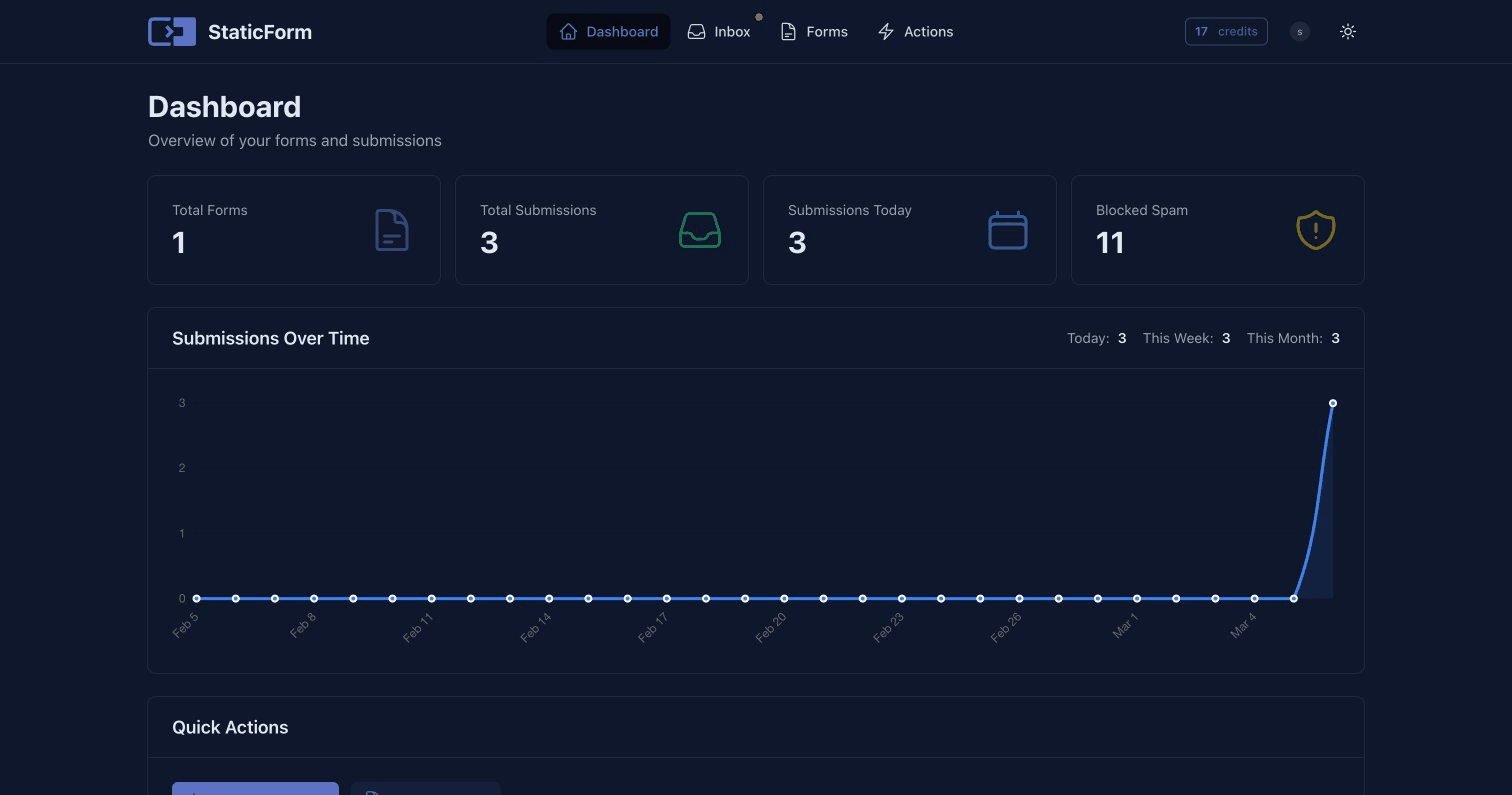
Twenty client sites, one dashboard.
Every form keeps its own endpoint, spam rules and inbox. The workspace decides who can reach it.
One workspace per client
Group each client's forms in a workspace and invite people once. They get every form in it, including the forms you add later.
- Invite the client and your own team by email, several addresses at once.
- Give a colleague the Add forms permission and they can create new forms in the workspace themselves. Those forms still belong to the workspace owner.
- An activity list shows who added forms or members, changed permissions or handed the workspace over.
- Pro includes unlimited workspaces of your own, one per client. Starter includes one. Being a member of workspaces other people own never counts.
Workspaces
Example- Harbor Dental4 forms · 3 membersYour plan
- Northwind Studio2 forms · 2 membersYour plan
- Juniper Legal6 forms · 4 membersClient's plan
Everyone sees what they should
Pick per person what they may do in every form of the workspace: View form, Edit form, View submissions, Edit submissions and Manage members.
- Make an exception for one form, for example everything except the submissions of an HR form.
- Hide a form from a member completely, and reset them to the workspace permissions later.
- People who may not read submissions do not see submission numbers either.
Emails that carry your client's brand
Design notification and confirmation emails in a visual builder and watch the live preview change as you go.
- Set the logo, brand name, header colors and footer text, and hide the sent-by line.
- Send from the client's own domain (DKIM) or their own SMTP server.
- Copy the styles of one email and paste them into the next. Available on every plan.
Try another client
Hear about a failure before your client does
Every email, webhook, Sheets and Notion delivery is logged with its result, request and error.
- When an action fails, the owner and everyone who can edit the form get an alert that links to the log.
- The submission is already saved, so you retry the failed action in one click.
- One Actions page shows the deliveries of all your forms, filtered by form or date.
Your clients stop forwarding you spam.
Fewer "why do we get so much junk?" emails from clients. Spam is filtered on every form before it reaches anyone, and submissions stay unlimited, so a spam wave never runs into a quota.
Checked before anything is sent
Automatic IP, browser, email and content checks, plus a honeypot, CAPTCHA (reCAPTCHA, Turnstile, hCaptcha), allowed domains and language detection where you switch them on.
Catches what gets past a CAPTCHA
Cold sales pitches, bots that fill in forms in bulk, link shorteners, and senders already caught sending spam to another form.
An AI second opinion on borderline messages
Only messages the rules are unsure about are reviewed, so a genuine quote request with a link still gets through. You can exclude sensitive fields or turn it off per form.
Out of the inbox, still on record
Spam goes to its own tab with the reasons it was blocked. It sends no emails or webhooks and never counts toward the email limit or storage. If a real message was caught, mark it as legitimate and run its actions.
Whatever the next client asks for.
One form backend for static sites, WordPress and custom builds, so you do not need a different tool per project.
Responses where the client works
Email, Slack, Microsoft Teams, Discord and webhooks on every plan; Google Sheets and Notion on Pro.


Conditional routing
ProSend each submission to the right person, for example urgent repairs to the on-call phone and quotes to sales.
File uploads
Accept CVs, photos and documents up to 25 MB per file, with allowed file types per field.
Insights from the answers
Multiple choice, yes/no and number fields turn into charts and totals, ready to show in a client meeting.
Payments with Stripe
ProTake a payment before a submission is recorded, with the client's own Stripe key. StaticForm takes no cut.
WordPress plugin
Connect a client WordPress site with an API key and place forms with the Gutenberg block, Elementor widget or a shortcode.
Terraform and the REST API
Set up the same forms for the next client from code, and keep every site configured the same way.
AI agents through MCP
Let Claude, ChatGPT or Cursor create forms, summarize submissions and retry failed actions, limited to the forms you allow.
Data stored in Europe
Submissions are stored in Europe, and a data processing agreement is available for your clients.
Hand it over without rebuilding a thing.
Build and test the forms on your account. When the client is ready to take over, make them the owner of the workspace. The form endpoints stay the same and the submissions and uploaded files come along, so nothing changes on the live site.
- 1Invite the client to the workspaceThey need a StaticForm account of their own to become the owner.
- 2Make them the ownerThe workspace and every form in it move to the client in one step.
- 3Stay on as a memberYou keep every permission, so you can keep maintaining the forms. The client can change that at any time.
- 4The forms run on the client's planFrom then on the client's trial or subscription covers them, not yours. Starter is enough to take the workspace over. Without an active plan, forms stop sending notifications.
- A single form can be handed over too: transfer it to a collaborator and it leaves your workspace. How handover works
Your subscription or theirs. You choose per client.
A form always runs on its owner's plan. That one rule decides who pays, whose limits apply and whose name is on the invoice.
You own the forms
You create the workspace and the forms on your StaticForm account. They run on your subscription, and the client joins as a member with the permissions you choose.
- One Pro subscription covers every client workspace you own, with no per-client fee.
- Email actions and file storage are counted across all your forms.
- Good when you host and maintain the site for the client.
The client owns the forms
The client signs up, starts their own trial and pays StaticForm directly. They own the forms and invite your team to a workspace or to single forms.
- The forms run on the client's plan and count toward their limits.
- Starter is enough for one site: it includes one workspace of their own, and your team joins it as members.
- The client decides who has access and can remove it.
- Good when the client wants the account and the invoices in their own name.
Starting agency-owned and moving a client to their own plan later is the handover above. You can mix both models across clients.
Pay for features, not submissions.
Both plans: unlimited submissions, unlimited forms, 15+ spam checks. 7-day free trial, no card needed.
Starter
For your own website or a small business
€7.50/month
€90 billed yearly. You save €18 (17%).
- Unlimited webhooks
- 25,000 email actions per month
- Custom email sender and branding
- 1 workspace of your own
- 2 GB file storage
Pro
Adds routing, Sheets and NotionFor teams that run on their forms
€24/month
€288 billed yearly. You save €60 (17%).
- Everything in Starter
- Unlimited workspaces
- Unlimited email actions and attachments
- Google Sheets and Notion
- Conditional routing
- Priority support
- 20 GB file storage
Managing many client sites?
Tell us about your sites and what you need. We reply within one business day.
Submissions
Unlimited on both plans
Emails
Starter 25,000 a month, Pro unlimited
Your own SMTP
Never counts toward the email limit
For agencies: Pro is the plan for running many clients from one account: it includes unlimited workspaces of your own. Starter includes one, which is enough for a client who owns their own site. The free trial without a card runs on Starter; change to Pro from the billing page to set up more client workspaces. Permissions, branded emails, delivery alerts and handover are on both plans. There is no per-client fee, and the email and storage limits count per account, across all the forms it owns.
Yearly billing includes 2 months free.
Set up your first client workspace today.
7-day free trial. No payment method required. Cancel any time.